
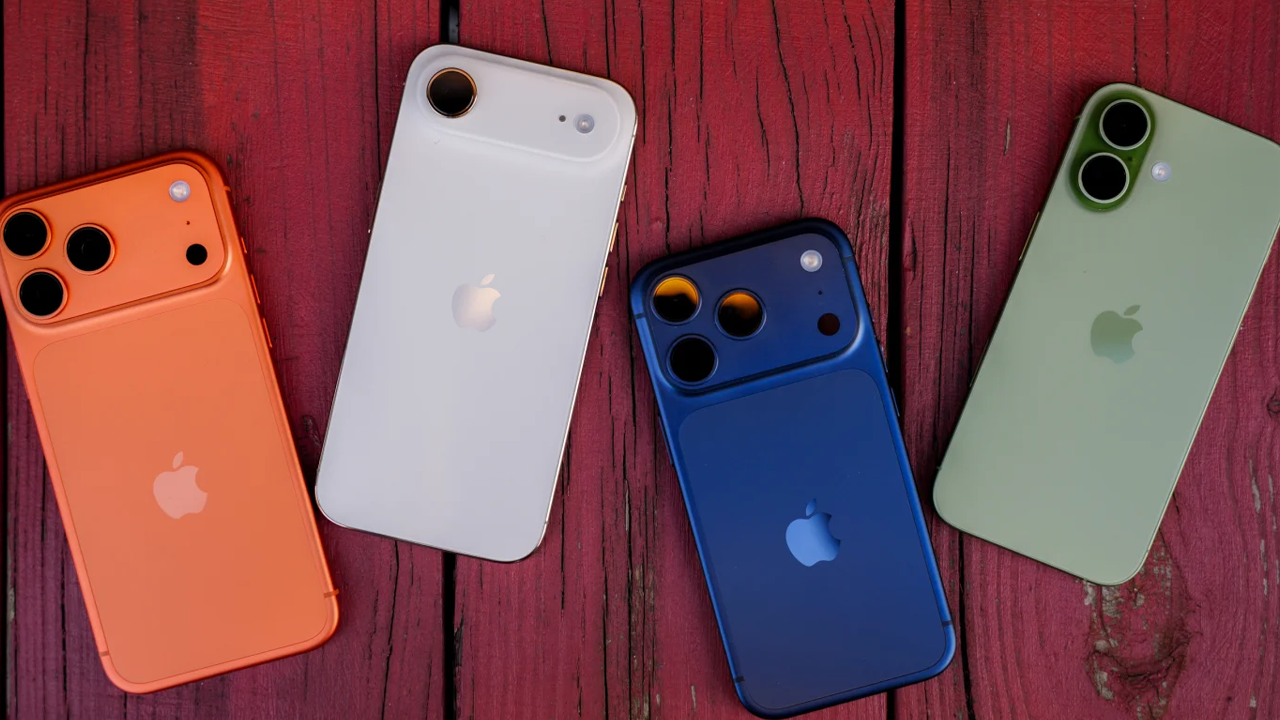
iPhone is one of the most desired gadget, for today’s youth and majority of them have this. While this product is much beyond the status symbol, did you know that your iPhone has some very handy settings that can make life easier for you? Here are 7 iPhone settings that you should check out.
7 iPhone Settings You Should Check
1. Back Tap
Go to Settings > Accessibility > Touch > Back Tap. With this handy feature, you can assign actions to a double or triple tap on the back of your iPhone. Some of the actions include taking a screenshot, opening up control centre or even turning on your flashlight.
2. Optimised Battery Charging
Go to Settings > Battery > Charging. With Optimised Battery Charging turned on, your iPhone will learn your daily charging patterns to reduce the amount of time it spends in full battery.
3. Reduce Interruptions
If you find that you are always being interrupted by notifications, go to Settings > Focus. From here, you can enable a Focus mode and customise it to mute notifications and only let through notifications from important people or apps.
4. App Tracking Transparency
Go to Settings > Privacy & Security > Tracking. With App Tracking Transparency, you can control which apps can ask for permission to track your activity across apps and websites.
5. Live Voicemail
If your iPhone supports it and it’s available in your region, go to Settings > Apps > Phone > Live Voicemail. With Live Voicemail, you can view a live transcription of a voicemail as it’s being recorded. This means that you can decide if you want to answer the call or not.
6. Battery Usage
Go to Settings > Battery. From here you can view a handy battery usage list that tells you which apps are using up your battery.
7. Emergency SOS
Go to Settings > Emergency SOS. To see what options are available, you can view what Emergency SOS options are available and how it works. In addition, you can also view how to set emergency contacts with the Medical ID feature in the Health app.